Run pre-defined SQL statements through a constrained form interface, with URL query parameters to prefill fields for bookmarking and sharing.

execute_sql Tools

For execute_sql tools, you get a full SQL editor with syntax highlighting.
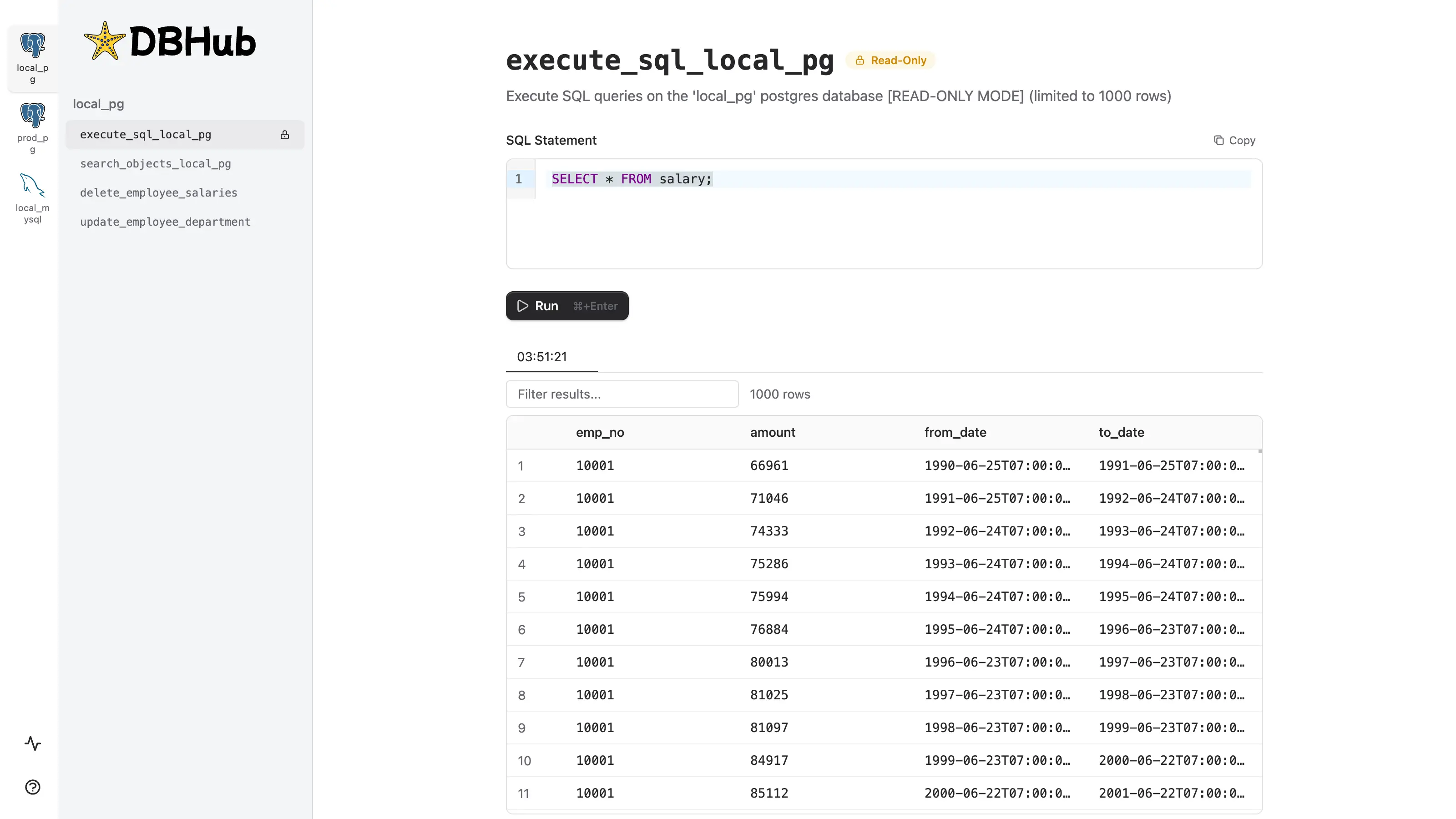
ParameterDescriptionExample
sqlPrefills the SQL editor (URL encoded)?sql=SELECT%20*%20FROM%20users%20LIMIT%2010

Custom Tools

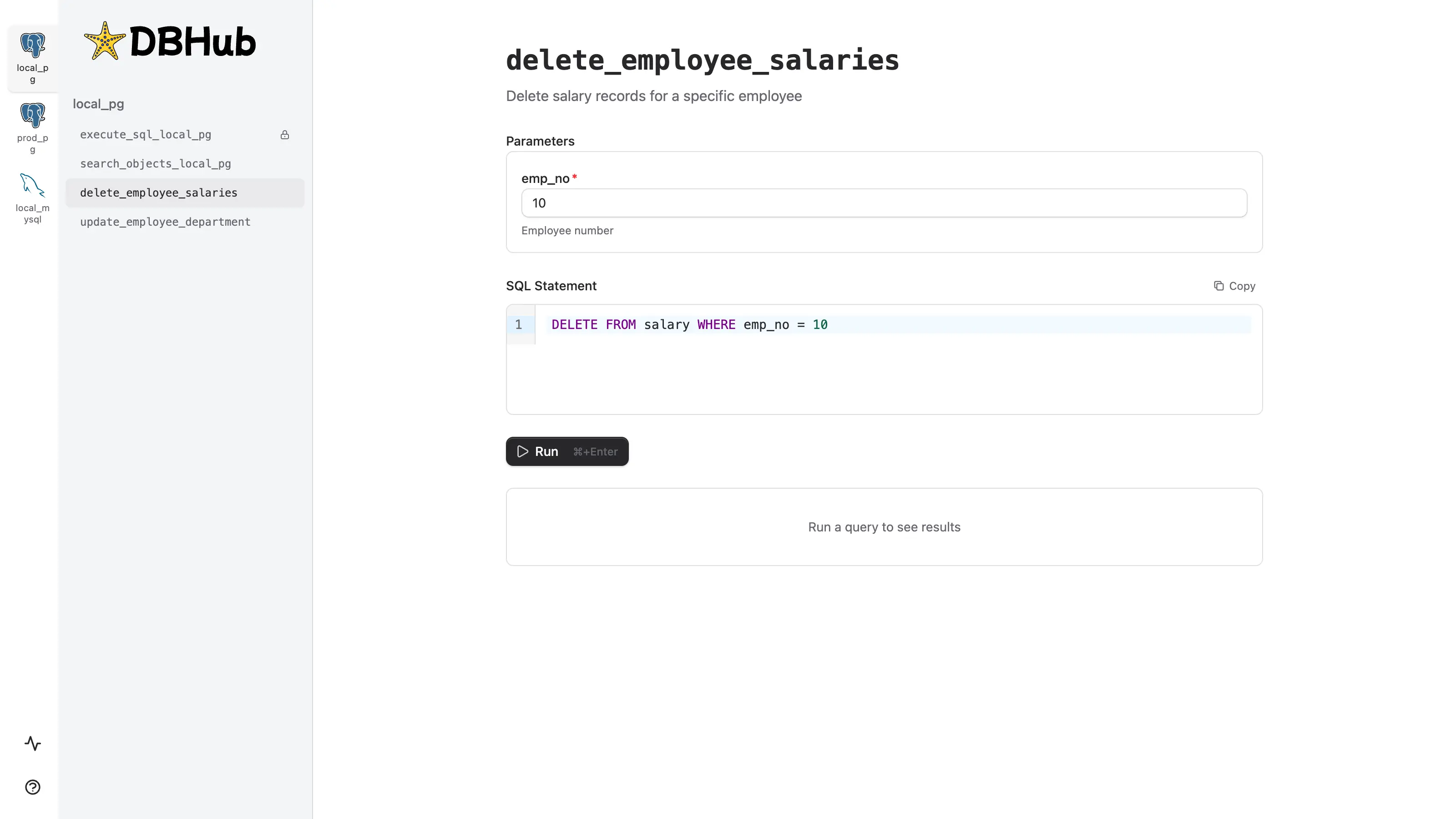
Custom tools provide a constrained interface that limits users to running pre-defined SQL statements. Instead of writing arbitrary SQL, users fill in a parameter form—reducing errors and enforcing safe query patterns. custom-tool Example configuration in dbhub.toml:
dbhub.toml
[[tools]]
name = "delete_old_salaries"
description = "Delete salary records older than specified date for cleanup"
source = "local_pg"
readonly = false  # Explicitly allow DELETE operations
statement = """
  DELETE FROM salary
  WHERE to_date < $1
  RETURNING emp_no, amount, from_date, to_date
"""

[[tools.parameters]]
name = "cutoff_date"
type = "string"
description = "Delete salary records with to_date before this date (format: YYYY-MM-DD)"
required = true
In the Workbench, this renders as a form with a single date input. The generated SQL is shown as a read-only preview before execution.
ParameterDescriptionExample
{param_name}Prefills the form field matching the parameter name (URL encoded)?cutoff_date=2020-01-01